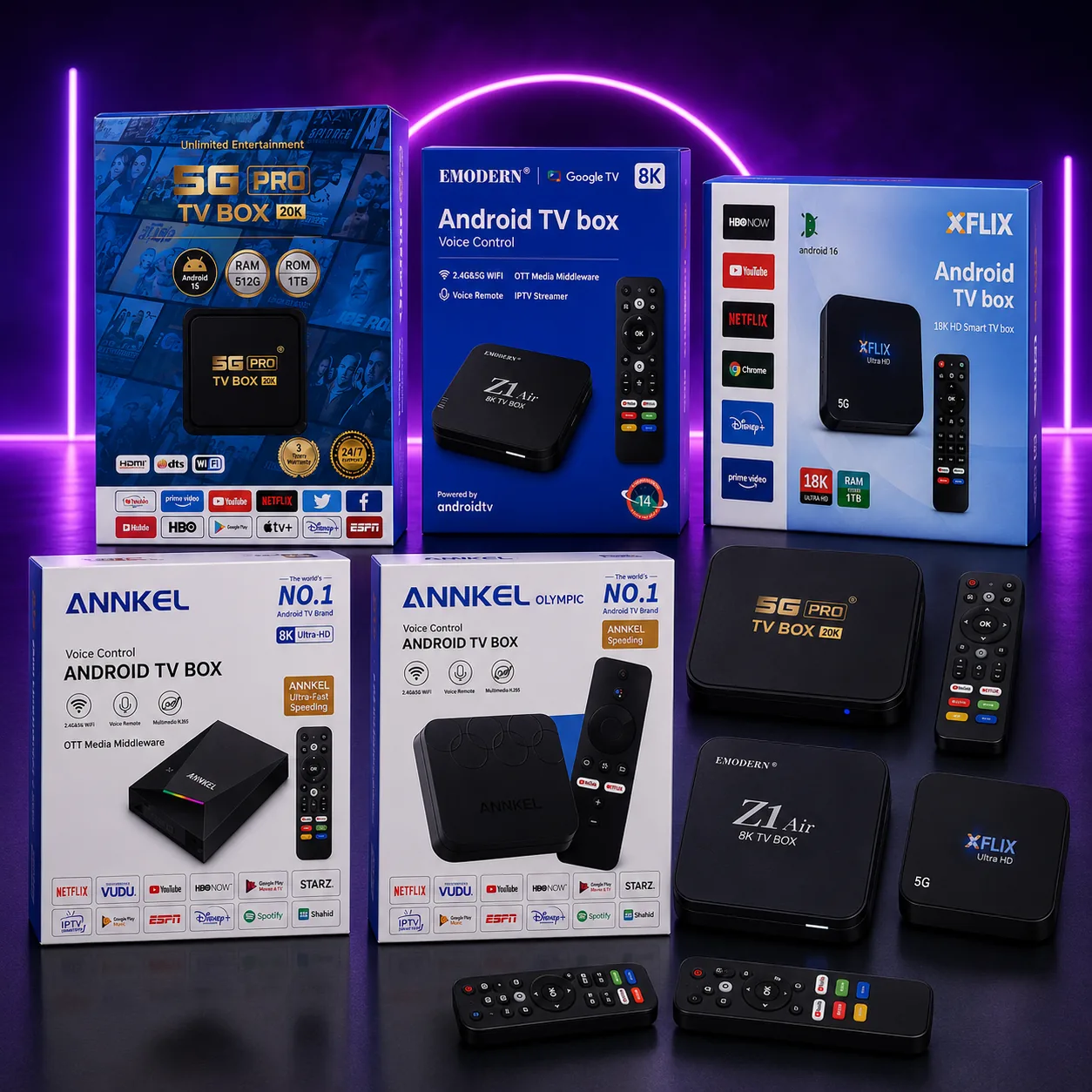
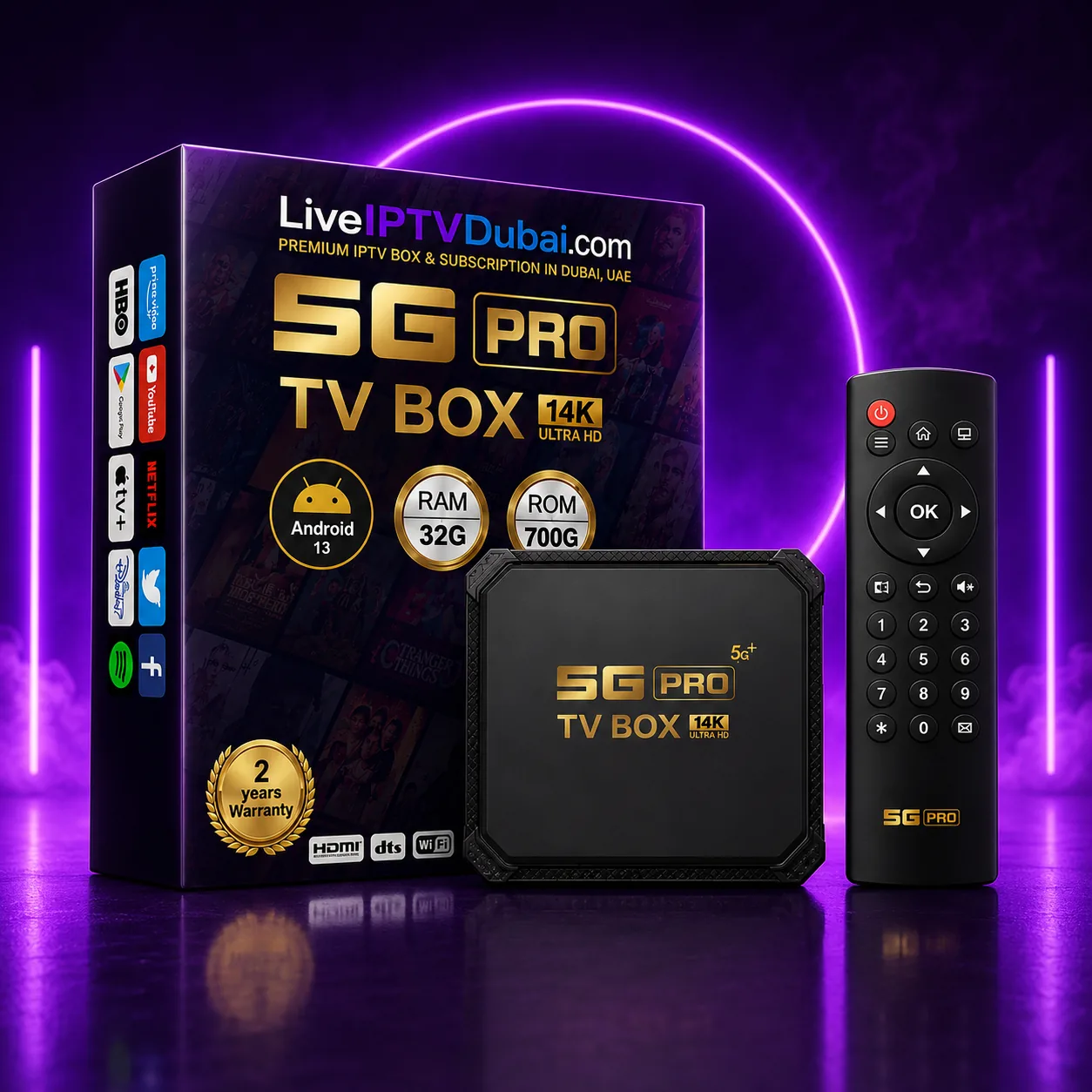
Walk through Dragon Mart or scroll a UAE marketplace and every IPTV box claims 8K, 14K or even 20K Ultra HD, 512GB of RAM and a terabyte of storage. Most of those numbers are not what they appear to be, and buying on the biggest number is how people end up with a box that stutters six months later.
This guide explains what actually matters, in the order it matters, and what a sensible spend looks like in Dubai.
The resolution number on the box is not the resolution
No consumer television sold in the UAE displays 14K or 20K. There is no 14K content, no 14K broadcast, and no HDMI cable standard that carries it. What the label refers to is the maximum resolution the chipset's decoder can *address* on paper — not what you will ever see.
In practice every one of these boxes outputs 4K at 60Hz to your TV, which is exactly what you want, because that is what your TV can display and what the streams are encoded at. A box advertised as 20K and a box advertised as 8K will look identical on the same television.
Treat the resolution badge as branding. Ignore it entirely when comparing two boxes.
What actually makes a box feel fast
Three things, roughly in this order:
- RAM — but the real figure. A genuinely fast box has 4GB or more of real RAM. Listings quoting 32GB, 128GB or 512GB are counting virtual/swap memory allocated from storage, which is far slower. What you feel is app switching and how long the channel list takes to load.
- The chipset. Amlogic S905X4/S928X and Rockchip RK3566/RK3588 are the ones worth having. A cheap unbranded SoC will decode 4K fine on paper and drop frames on a busy sports stream in practice.
- Wi-Fi. Dual-band 5GHz is non-negotiable in a Dubai apartment building. On 2.4GHz you are sharing the band with every router and appliance on your floor, and that is the single most common cause of “the box is buffering” complaints.
- Android version. Android 11 and up gets you current Netflix, Prime Video and Disney+ builds. Older versions will start dropping app support, and the box quietly becomes an IPTV-only device.
Storage: 700GB and 1TB claims
A TV box with a genuine terabyte of internal storage would cost more than most of these boxes sell for. These figures generally describe expandable capacity via USB or a card, not soldered internal flash.
It matters less than you think. IPTV streams; it does not download. 32GB of real internal storage is plenty unless you plan to sideload a large game library. Judge storage last.
What to actually spend in Dubai
There are three sensible tiers, and the middle one is where most people should land.
- Around AED 170–180 — the practical choice. A current Android 13–16 box with 5GHz Wi-Fi, a voice remote, and in most cases a year of subscription bundled in. This is what we sell most of, and it is enough box for a 55-inch 4K TV.
- Around AED 200–230 — headroom. Newer chipset, more real RAM, 3-year warranty. Worth it if the TV is 65 inches or larger, or if the box will also be used for gaming and heavy app use.
- Around AED 250–300 — the Xiaomi/Google TV route. You are paying for certified Google TV, guaranteed Netflix and Disney+ certification, and long-term software updates. Buy this if app certification matters more to you than raw specs.
- Below AED 150 — avoid. At that price something has been cut, and it is usually the Wi-Fi radio or the power supply. Both fail in ways that look like “the IPTV service is bad”.
Do you even need a box?
Often, no. If you already own a Samsung or LG Smart TV from 2018 or later, an Amazon Firestick, or an Android TV, a subscription alone will work and you can skip the hardware entirely.
A box is worth buying when your TV is older, when its built-in apps are slow, or when you simply want something that arrives pre-configured and works the moment it is plugged in. That last reason is why most of our customers take the box: it removes the setup step completely.
Buying checklist
Before you pay, confirm all five:
- It is dual-band (5GHz) Wi-Fi, not 2.4GHz only.
- It runs Android 11 or newer.
- The warranty is handled locally in the UAE, not by shipping it overseas.
- The remote is included and pairs over Bluetooth, not only infrared.
- You can see it running before you pay — cash on delivery, not payment up front.
Want this sorted without the reading?
Message us with your TV or device and what you want to watch. We will recommend the setup, send a free trial, and walk you through it — same day, anywhere in Dubai.
Frequently asked questions
Is a 20K IPTV box better than an 8K one?
No. Neither resolution exists in consumer TVs or in any stream, and both boxes output 4K to your television. The number is a marketing label, not a specification — compare the chipset, real RAM and Wi-Fi band instead.
How much should I pay for an IPTV box in Dubai?
Around AED 170–180 buys a current Android 13–16 box that is more than enough for a 4K TV, and in most cases includes a year of subscription. Below roughly AED 150 the Wi-Fi radio or power supply is usually where the cost was cut.
Do I need a box if I have a Smart TV?
Usually not. A Samsung or LG Smart TV from 2018 onwards, a Firestick, or any Android TV will run the service with a subscription alone. A box is worth it for older TVs, slow built-in apps, or if you want it to arrive pre-configured.
Does more RAM make IPTV smoother?
Real RAM does — 4GB or more keeps app switching and channel lists responsive. The 32GB to 512GB figures on many listings count virtual memory borrowed from storage, which is much slower and does not have the same effect.