If you already own an Amazon Firestick, you do not need to buy anything else — a subscription on its own is enough. The setup is the same on a Firestick Lite, a 4K, and a 4K Max.
Budget about ten minutes. You will need your Wi-Fi working, the subscription details we send you, and the Firestick remote.
Step 1 — Allow apps from unknown sources
IPTV players are not all in the Amazon store, so the Firestick has to be told to accept an installer first.
- From the home screen go to Settings → My Fire TV → Developer Options.
- Turn on Apps from Unknown Sources. If you do not see Developer Options, go to Settings → My Fire TV → About and click the *Fire TV Stick* line seven times — it appears after that.
- Confirm the warning. This only allows installation; it changes nothing else.
Step 2 — Install a player
Search the Amazon App Store first — IPTV Smarters Pro and TiviMate are both usually listed in the UAE store, and installing from the store is the simplest route by far.
If the player you want is not in the store, install Downloader from the store, open it, and enter the URL we send you. Downloader fetches the installer and Fire OS installs it.
Whichever player you use, the steps after this point are the same.
Step 3 — Enter your subscription details
Open the player and choose to log in with an Xtream Codes API or a playlist (M3U) URL — we send you whichever your line uses.
- Xtream Codes: enter the server URL, username and password exactly as sent, including any http:// prefix and port number.
- M3U URL: paste the full link in one go. Typing it by hand on a Firestick remote is where most errors come from — use the player's phone-pairing option if it offers one.
- Give the profile any name you like. It is only a label.
- Let the channel list and EPG finish downloading before you start browsing — the first load takes a minute or two because it is pulling tens of thousands of entries.
Step 4 — Set it up so it stays fast
Two settings make a visible difference on a Firestick, which has limited memory compared to a dedicated box:
- In the player, hide the channel categories you will never watch. A shorter list loads faster and the remote becomes usable.
- Set the buffer or cache size to the middle option, not the maximum. A large buffer on a Firestick uses memory the device does not have and causes the stutter it was meant to prevent.
- Connect to your 5GHz Wi-Fi network, not the 2.4GHz one, if your router offers both.
The three errors that come up most
Almost every failed Firestick setup is one of these:
- “Invalid credentials” or a login loop. Nearly always a typo, or a trailing space copied in with the password. Retype it slowly. If it still fails, the line may not be activated yet — message us and we will check it from our side.
- Channels list loads but nothing plays. The player is fine and the line is fine; this is usually the network. Restart the router, and switch to the 5GHz band.
- Everything worked, then stopped after a few weeks. Check whether the Firestick auto-updated the player app. Reinstalling the same version usually restores it — and this is the single biggest reason people eventually move to a dedicated box.
Firestick or a dedicated box?
A Firestick works, and if you own one already it is the cheapest possible start. Its limits are real though: less memory, occasional forced app updates, and no way to pre-configure it before it reaches you.
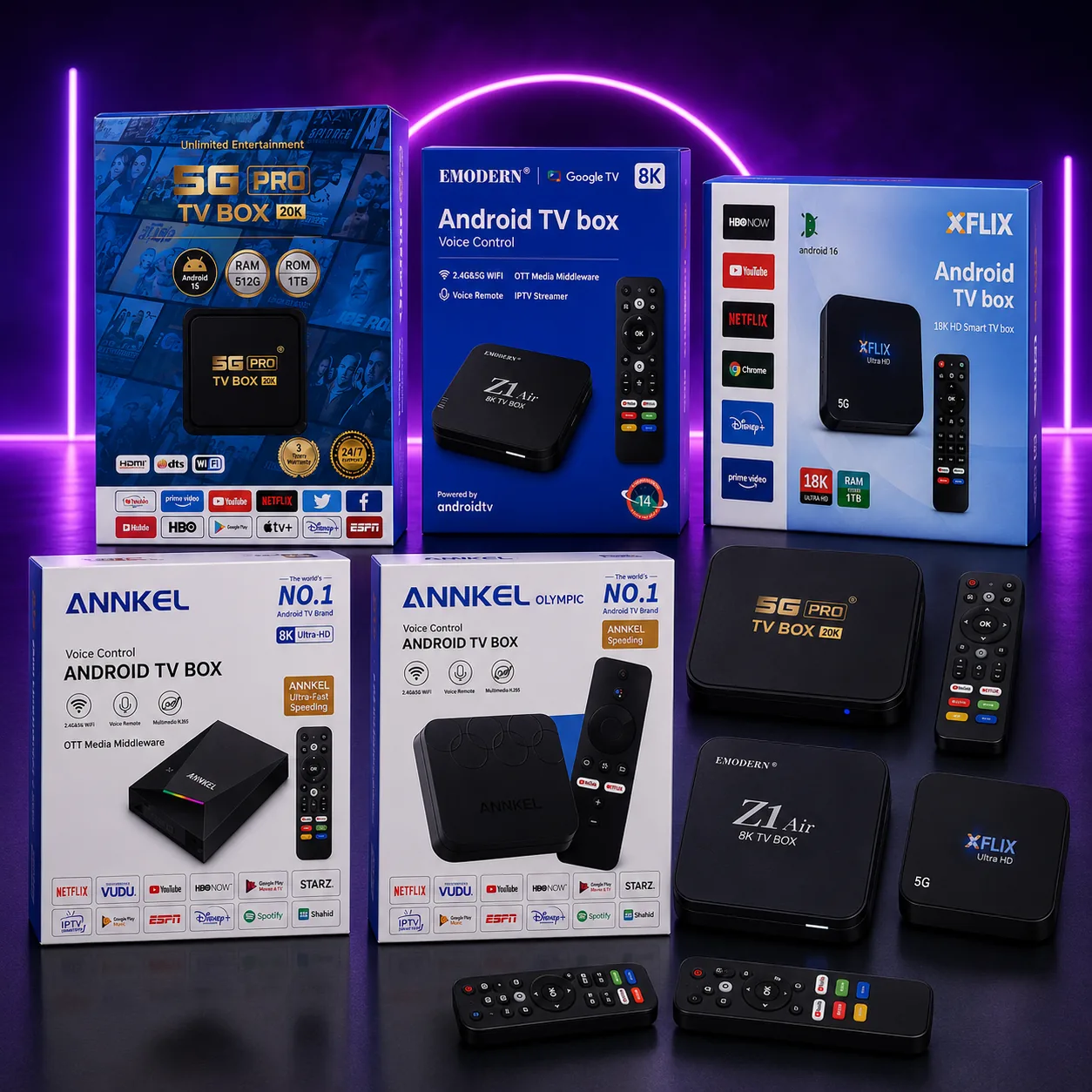
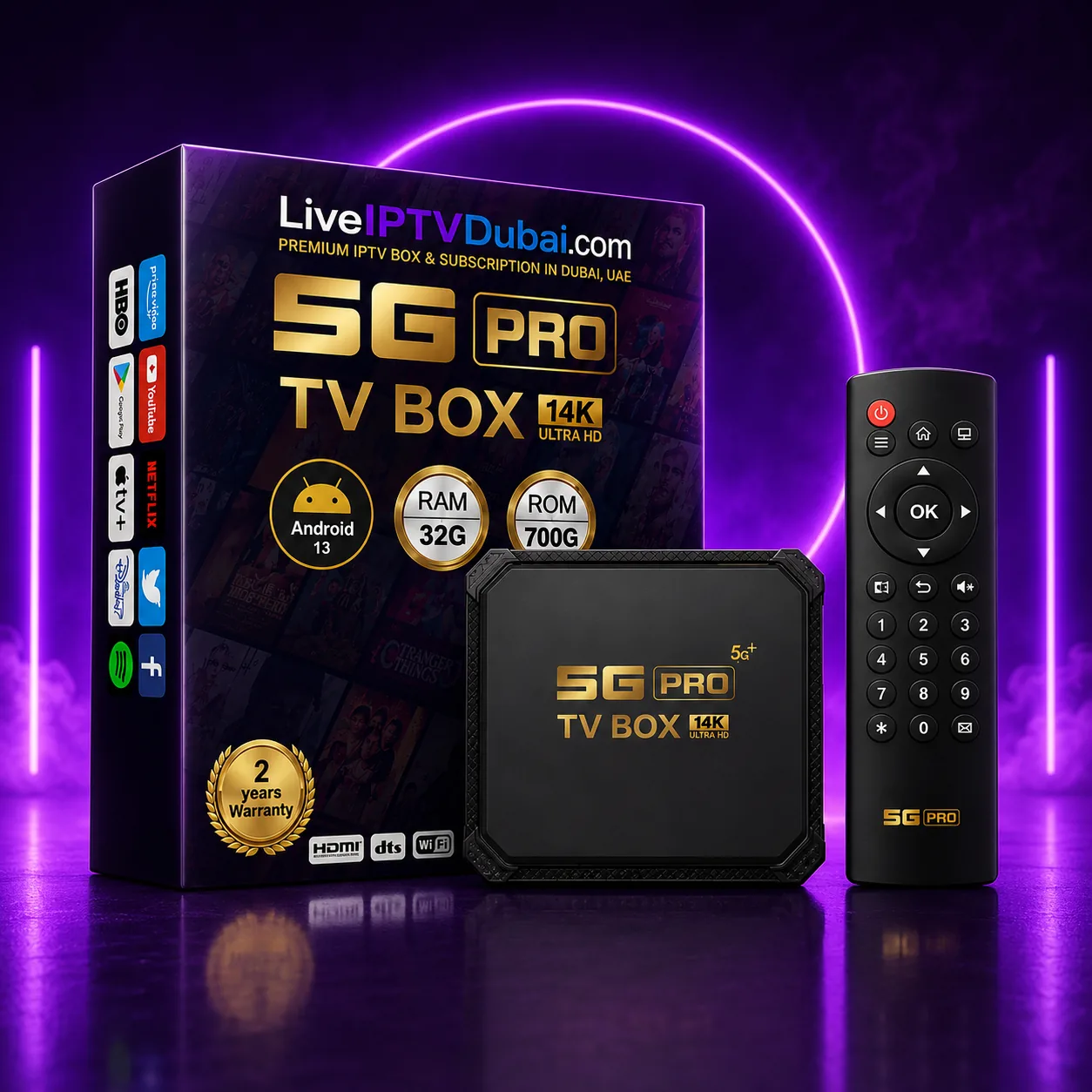
A dedicated Android box arrives with the player installed and your line already entered — you plug in HDMI and it plays. If you would rather skip this entire guide, that is the reason people choose one.
Want this sorted without the reading?
Message us with your TV or device and what you want to watch. We will recommend the setup, send a free trial, and walk you through it — same day, anywhere in Dubai.
Frequently asked questions
Does IPTV work on all Firestick models?
Yes — Firestick Lite, Firestick 4K and Firestick 4K Max all work, and the setup steps are identical. The 4K and 4K Max have more memory, so large channel lists scroll more smoothly.
Do I need to buy a box if I have a Firestick?
No. A subscription alone is enough. A box is worth it if you would rather it arrived pre-configured, or if you want to avoid the Firestick's occasional forced app updates.
Why does my Firestick say invalid credentials?
Almost always a typo or a space copied in with the password — retype it carefully. If it still fails, the subscription may not be activated yet; message us and we will check the line from our side.
How long does the Firestick setup take?
About ten minutes, most of which is the first channel list and EPG download. We walk you through it on WhatsApp if you would rather not do it alone.